
macOS 13+
Requires macOS Ventura or a newer release.
Notchion for macOS / Developer preview
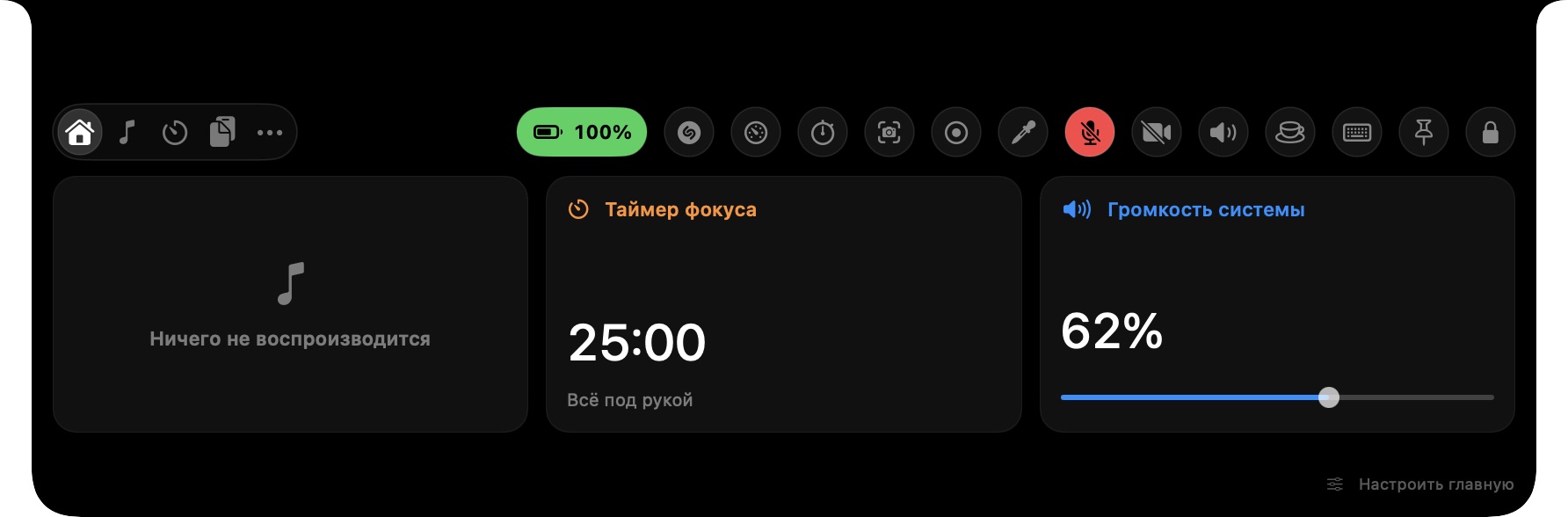
Music, focus tools, system controls and quick capture in a native companion for your Mac.
Version 0.4.1 Universal build
Before opening: this developer preview is signed locally, but it does not have an Apple Developer ID signature or Apple notarization. macOS may show a security warning on first launch.
CHECK BEFORE YOU DOWNLOAD
Requires macOS Ventura or a newer release.
Runs natively on Apple silicon and Intel Macs.
20.0 MB
Install from the disk image. There is no Homebrew package yet.
Notchion is currently available for macOS. A Windows build is not available yet.
GETTING STARTED
Keep the DMG around until Notchion has finished copying to Applications.
When the download finishes, open Notchion-0.4.1.dmg from Downloads.
Drag Notchion into your Applications folder. If macOS asks to replace an older copy, choose Replace.
Open Notchion there, or find it with Spotlight. You can eject the disk image after copying.
HELP & DETAILS
This preview is not signed with an Apple Developer ID certificate and is not notarized. That can trigger Gatekeeper on first launch. Only open a copy you downloaded from the Notchion project, and review macOS's security prompt before proceeding.
Not yet. The current release is distributed as a DMG from this page.
Yes. Notchion can use a floating pill on supported displays without a built-in notch.
Quit Notchion, download the latest DMG, then copy the new app into Applications and choose Replace when macOS asks. The download page will show the current version number.